
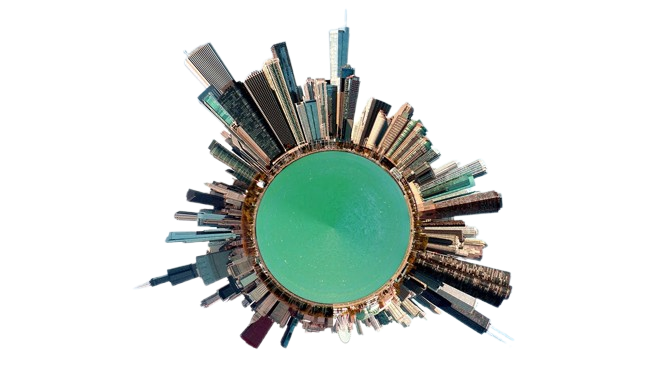
Panorama editing is a specialized post-processing technique used to improve and perfect panoramic images. Panoramas are created by stitching together multiple photographs to capture expansive landscapes, cityscapes, interiors, or large scenes that can't be confined within a single frame. Editing these wide-angle images enhances their clarity, color vibrancy, and overall visual impact, making them ideal for prints, digital displays, or marketing materials.
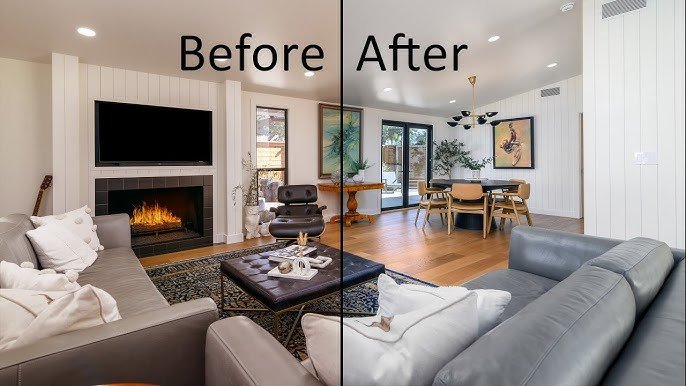
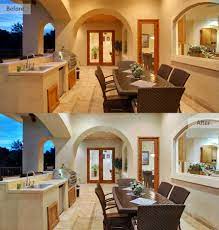
Combining multiple images accurately to create a cohesive panoramic frame.
Adjusting the edges to remove uneven borders and ensure horizons are level.
Balancing brightness, contrast, and exposure across the entire panorama for consistency.
Enhancing colors or applying filters to create mood, vibrancy, or visual harmony.
Fixing ghosting, ghost images, or mismatched areas resulting from stitching.
Improving skies, especially in landscapes, to add drama or correct overexposed areas.
Sharpening and noise reduction for clarity and crispness.
The process typically begins after stitching several images to form a panoramic shot. Panorama editing then involves refining the composite image—correcting distortions, balancing exposure, enhancing colors, and removing artifacts or stitching errors—to produce a seamless, high-quality wide-angle view.
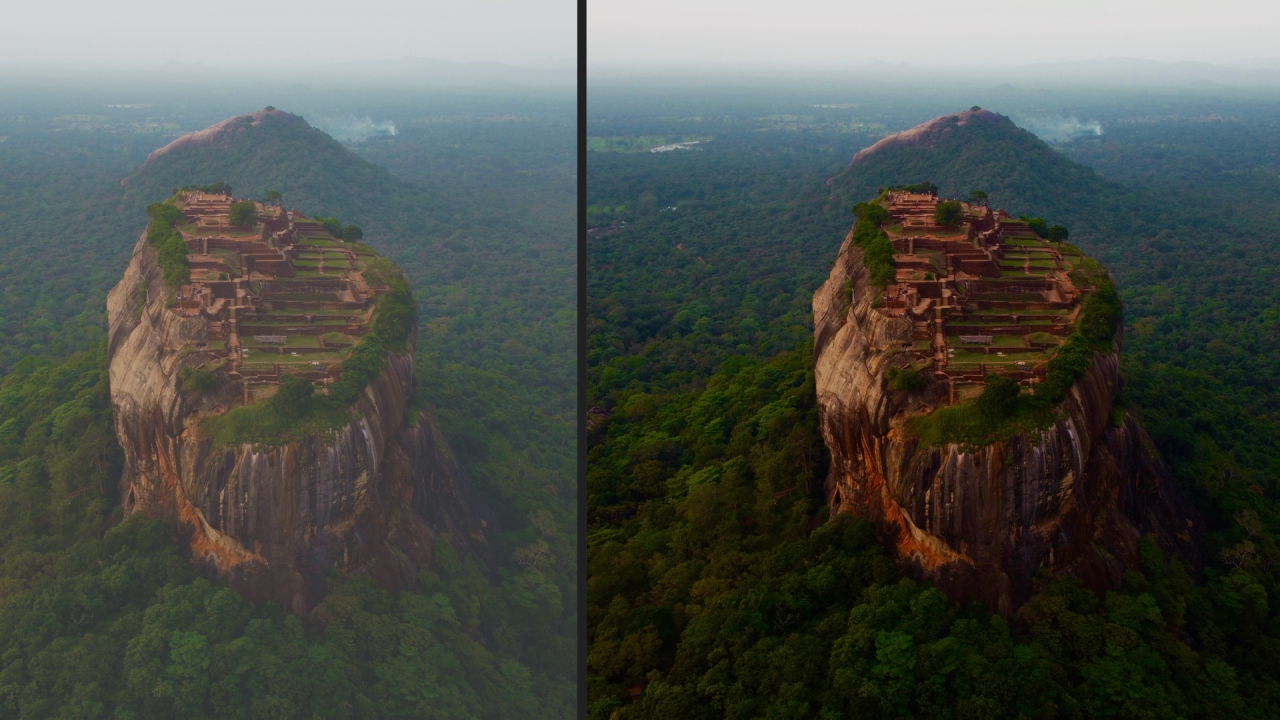
Image Solutions India offers expert panorama editing by skilled professionals experienced in handling complex stitching artifacts, exposure blending, and creative enhancements. They utilize advanced tools like Adobe Photoshop, Lightroom, and specialized stitching software to deliver flawless, wide-angle images that captivate audiences and elevate your visual content.